# Content Tabs

<figure><img src="https://2841038207-files.gitbook.io/~/files/v0/b/gitbook-x-prod.appspot.com/o/spaces%2FIGTidUfSjAqopf8pRRmN%2Fuploads%2F1uAYSuyC7DuiLCpqlL28%2F2025-04-05_00-28-06.jpg?alt=media&#x26;token=fdbc7b50-d226-408a-8452-649218da5de9" alt=""><figcaption></figcaption></figure>

{% hint style="success" %}
**Steps:**&#x20;

1. In the theme editor **(Customize)**, click **Add section.**
2. Locate **Content Tabs**
3. Make necessary changes. > **Save.**
   {% endhint %}

## General Settings

<figure><img src="https://2841038207-files.gitbook.io/~/files/v0/b/gitbook-x-prod.appspot.com/o/spaces%2FIGTidUfSjAqopf8pRRmN%2Fuploads%2Fxri7VlFLQKo7ZTx0IUok%2F2025-04-05_00-29-28.jpg?alt=media&#x26;token=876ea1fd-2806-4e81-9200-c128260033ef" alt=""><figcaption></figcaption></figure>

* **Width** - With of this section 3 options : Boxed / Wide / Full

### Heading&#x20;

* Enable uppercase
* Font family
* Heading size
* Alignment header tabs
* Show border
* Header position ⇒ Top / Bottom

### Content&#x20;

* Text alignment
* Vertical alignment

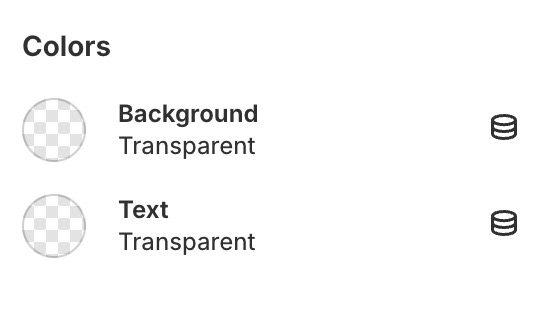
### Colors

<figure><img src="https://content.gitbook.com/content/IGTidUfSjAqopf8pRRmN/blobs/UGk0oLMDJ9FIGhG6FfAC/color-c.jpg" alt="" width="280"><figcaption></figcaption></figure>

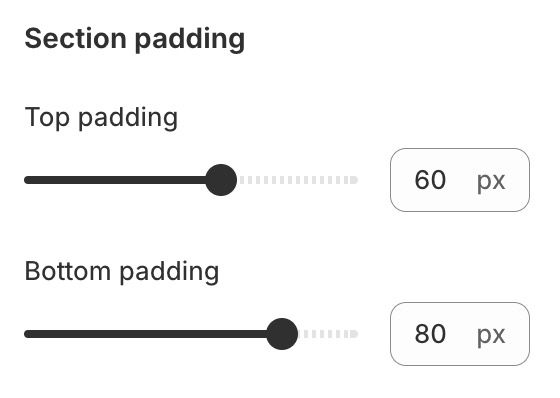
### Section padding

<figure><img src="https://content.gitbook.com/content/IGTidUfSjAqopf8pRRmN/blobs/n2xL6bjz1tYl76g1pebr/padding-c.jpg" alt="" width="280"><figcaption></figcaption></figure>

## Block Settings

{% hint style="success" %}
Steps:

1. Locate **Content Tabs**
2. **Add tab**
3. Make necessary changes. > **Save.**
   {% endhint %}

<figure><img src="https://2841038207-files.gitbook.io/~/files/v0/b/gitbook-x-prod.appspot.com/o/spaces%2FIGTidUfSjAqopf8pRRmN%2Fuploads%2FeZVATcrTgrCfbeRXcdcC%2F2025-04-05_00-33-05.jpg?alt=media&#x26;token=36ea19cd-5ad0-43da-92f1-142139beeeb6" alt=""><figcaption></figcaption></figure>