> For the complete documentation index, see [llms.txt](https://oranthemes.gitbook.io/edge-theme/llms.txt). Markdown versions of documentation pages are available by appending `.md` to page URLs; this page is available as [Markdown](https://oranthemes.gitbook.io/edge-theme/theme-sections/collapsible-content.md).
# Collapsible content
The "Collapsible Content" section allows users to expand or collapse information, making it easy to navigate large amounts of text. This feature enhances user experience by providing a cleaner layout and enabling visitors to access only the information they want to see.
{% hint style="success" %}
**Steps:**
1. In the theme editor **(Customize)**, click **Add section.**
2. Locate **Collapsible content**
3. Make necessary changes. > **Save.**
{% endhint %}
## General Settings
* **Width** - With of this section 3 options : Boxed / Wide / Full
* **Subheading**
* **Heading** - Heading of this section
* **Heading size** - From Heading 1 to Heading 6
* **Description** - Description of this section
* **Layout** - *Horizontal / Vertical*
### Collapsible content
* **Heading size**
* **Open first collapsible row by default**
* **Enable narrow content -** Make column width smaller
* **Image**
* **Image ratio** - Adapt to image / Square (1:1) / Portrait (3:4) / Landscape (4:3) / Landscape (5:3.5) / Wide (16:9)
* **Desktop layout** - Image first / Image second
### Colors
* **Background**
* **Text color**
* **Border color**
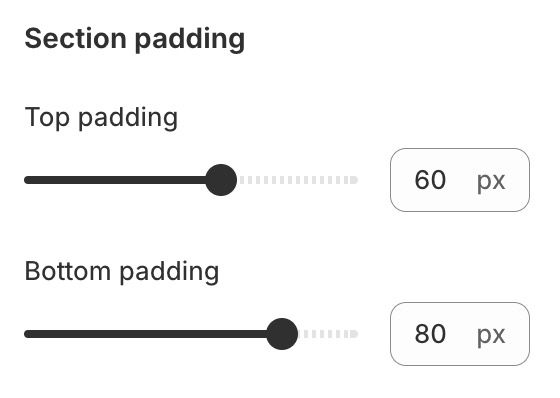
### Section padding
* **Top padding**
* **Bottom padding**
## **Block settings**
{% hint style="success" %}
Steps:
1. Locate **Collapsible content.**
2. **Add Block**
3. Make necessary changes. > **Save.**
{% endhint %}
### Heading
* Heading
* Heading size
### Collapsible row
* Heading
* Icon
* Row content
* Row content from page