> For the complete documentation index, see [llms.txt](https://oranthemes.gitbook.io/edge-theme/llms.txt). Markdown versions of documentation pages are available by appending `.md` to page URLs; this page is available as [Markdown](https://oranthemes.gitbook.io/edge-theme/theme-sections/recently-viewed-products.md).
# Recently viewed products
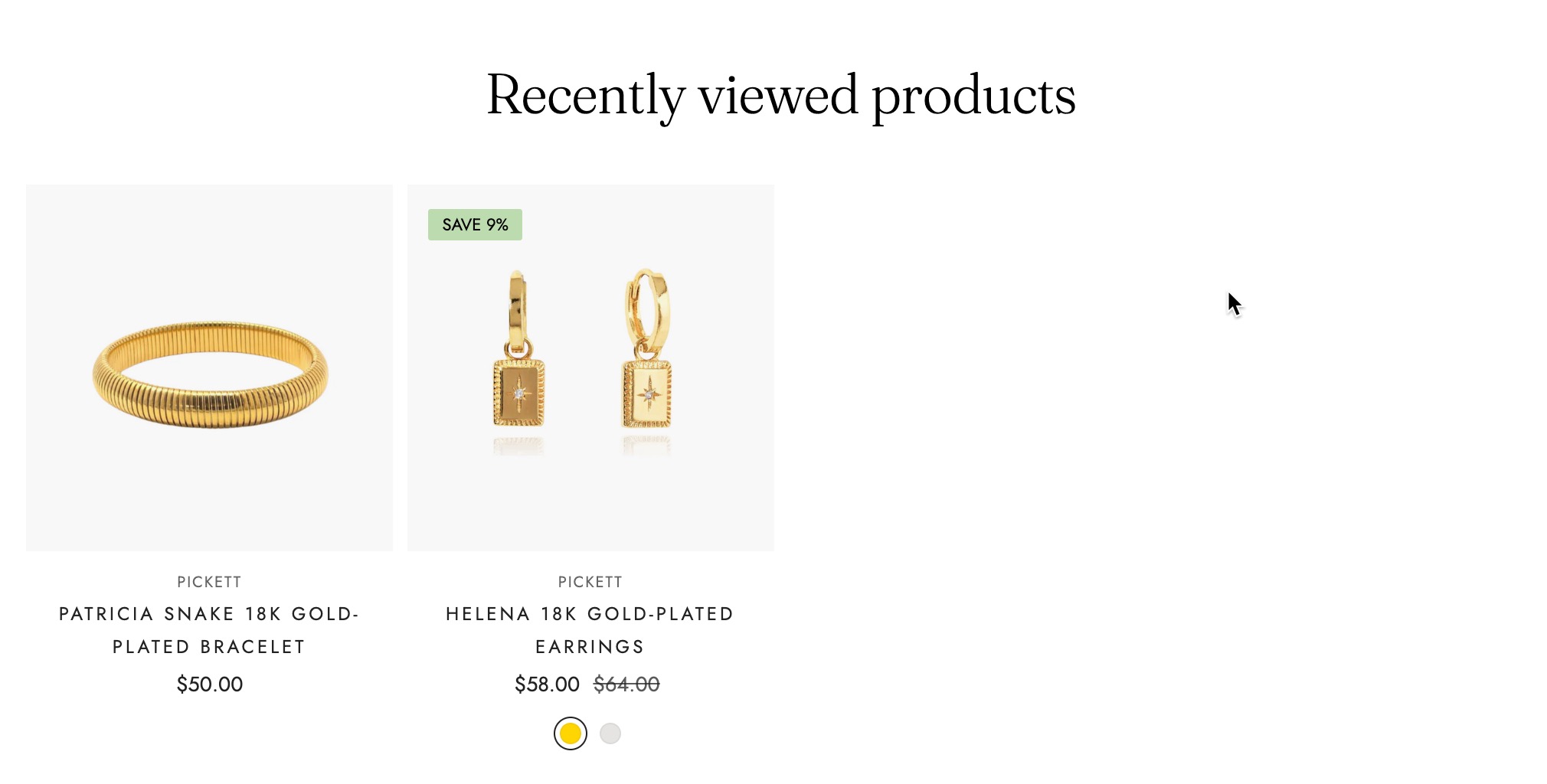
The "Recently Viewed Products" section displays items that a customer has previously browsed, making it easy for them to revisit and consider these products. This feature enhances convenience, improves navigation, and encourages conversions by keeping products top of mind.
{% hint style="success" %}
**Steps:**
1. In the theme editor **(Customize)**, click **Add section.**
2. Locate **Recently viewed products**
3. Make necessary changes. > **Save.**
{% endhint %}
## General Settings
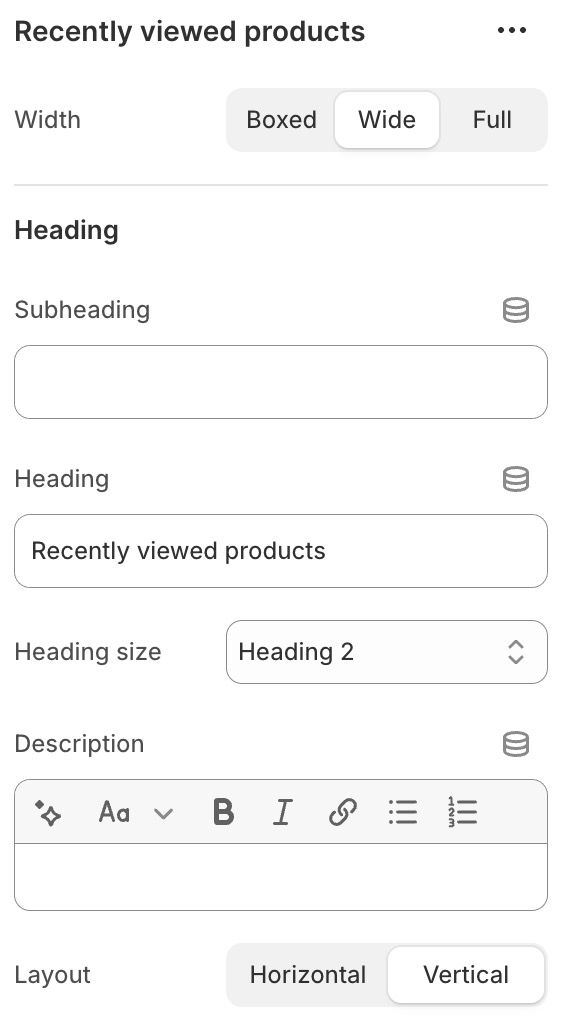
* **Width** - With of this section 3 options : Boxed / Wide / Full
* **Subheading**
* **Heading** - Heading of this section
* **Heading size** - From Heading 1 to Heading 6
* **Description** - Description of this section
* **Layout** - *Horizontal / Vertical*
### Grid & Mobile layout
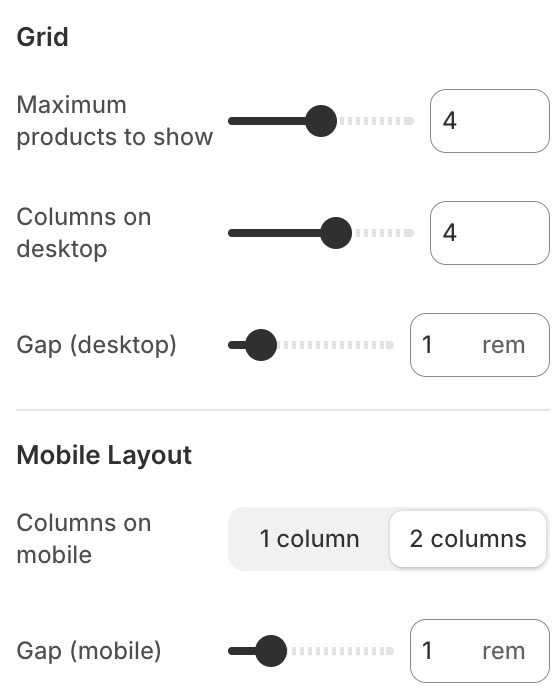
* **Maximum products to show**
* **Columns on desktop**
* **Columns on mobile** - 1 column / 2 columns
* Gap ( mobile )
### Colors
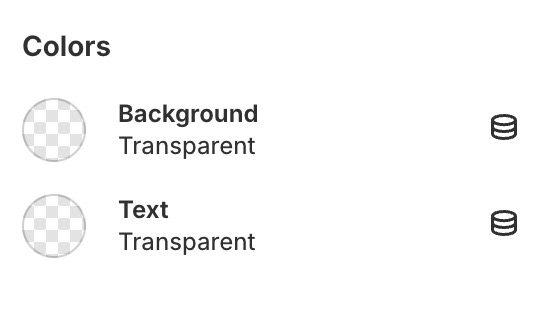
* **Background**
* **Text color**
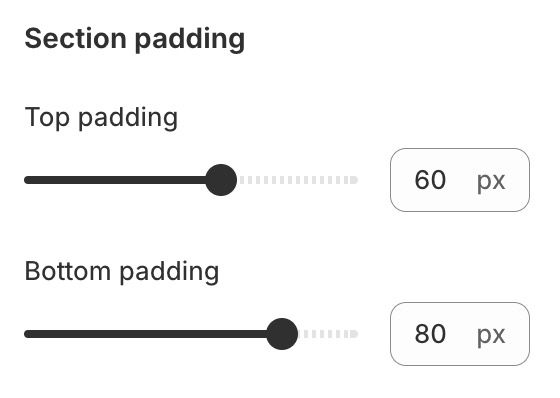
### Section padding
* **Top padding**
* **Bottom padding**