> For the complete documentation index, see [llms.txt](https://oranthemes.gitbook.io/edge-theme/llms.txt). Markdown versions of documentation pages are available by appending `.md` to page URLs; this page is available as [Markdown](https://oranthemes.gitbook.io/edge-theme/theme-sections/video.md).
# Video
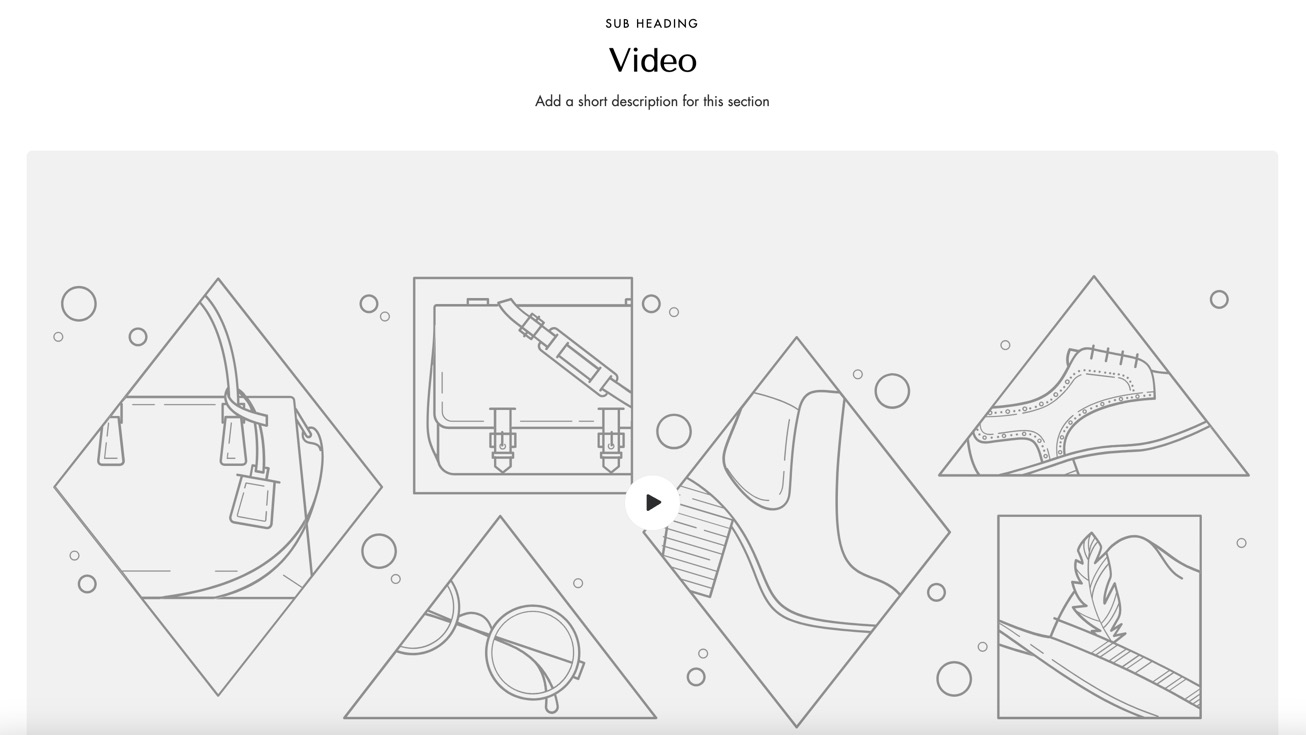
The "Video" section showcases engaging video content, helping to communicate the brand story, demonstrate products, or share tutorials. It captures attention, enriches user experience, and encourages deeper interaction with the content.
{% hint style="success" %}
**Steps:**
1. In the theme editor **(Customize)**, click **Add section.**
2. Locate **Video**
3. Make necessary changes. > **Save.**
{% endhint %}
## General Settings
* **Width** - With of this section 3 options : Boxed / Wide / Full
* **Subheading**
* **Heading** - Heading of this section
* **Heading size** - From Heading 1 to Heading 6
* **Description** - Description of this section
* **Layout** - *Horizontal / Vertical*
* **Enable video looping**
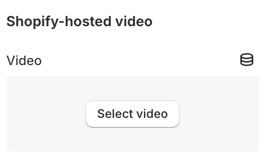
### Shopify-hosted video
### Or embed video from URL
* **URL** - Use a YouTube or Vimeo URL
* **Cover image**
* **Video ratio** - Adapt to image / Square (1:1) / Portrait (3:4) / Landscape (4:3) / Landscape (5:3.5) / Wide (16:9)
* **Video alt text**
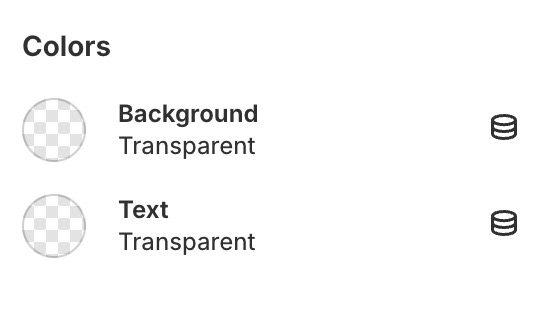
### Colors
* **Background**
* **Text color**
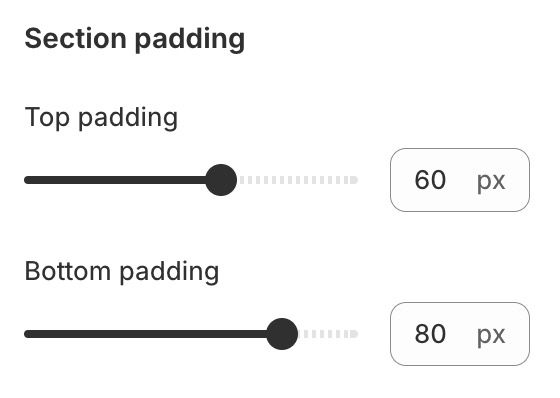
### Section padding
* **Top padding**
* **Bottom padding**