> For the complete documentation index, see [llms.txt](https://oranthemes.gitbook.io/edge-theme/llms.txt). Markdown versions of documentation pages are available by appending `.md` to page URLs; this page is available as [Markdown](https://oranthemes.gitbook.io/edge-theme/theme-sections/media-grid.md).
# Media grid
{% hint style="success" %}
**Steps:**
1. In the theme editor **(Customize)**, click **Add section.**
2. Locate **Media grid**
3. Make necessary changes. > **Save.**
{% endhint %}
## General Settings
* **Width** - With of this section 3 options : Boxed / Wide / Full
* **Subheading**
* **Heading** - Heading of this section
* **Heading size** - From Heading 1 to Heading 6
* **Description** - Description of this section
* **Layout** - *Horizontal / Vertical*
### Media grid settings
* **Desktop row height**
* **Mobile row height**
* **Column gap**
* **Column count**
In the **Column count** , you can configure up to **12 columns**. This allows for a flexible layout—from a single-column structure to a grid divided into 12 equal parts.
Each **child block** inside the **Column count** is referred to as a **Column**, and you can configure each Column to span a specific number of columns within the **Column count**
* If the **Column count** is set to **12 columns**, you can have:
* Column 1: 4 columns
* Column 2: 4 columns
* Column 3: 4 columns → Total = 12 (fills one row)
* If the **Column count** is set to **4 columns**, you can have:
* Column A: 1 column
* Column B: 3 columns → Total = 4 (fills one row)
Each **Column block** can be set to span from **1 to 12 columns**, depending on the total number of columns defined in the **Column count**.
* Always ensure that the total column span of all Column blocks in a row does not exceed the Grid's column count.
* Columns will **automatically wrap to a new row** if the total exceeds the available space.
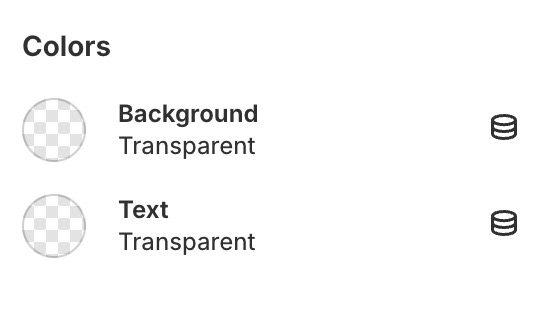
### Colors
* **Background**
* **Text color**
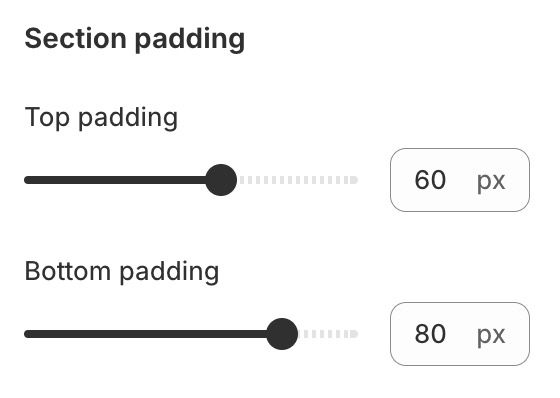
### Section padding
* **Top padding**
* **Bottom padding**
## **Block settings**
{% hint style="success" %}
Steps:
1. Locate **Gallery grid.**
2. **Add Media.**
3. Make necessary changes. > **Save.**
{% endhint %}